 Buckets
Contacts from the mapPremium
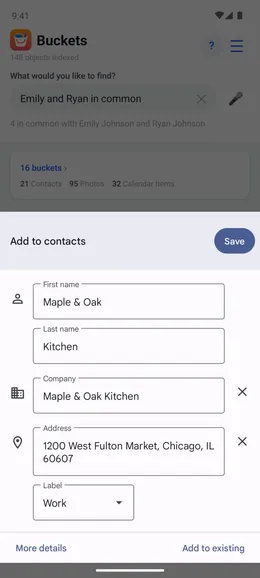
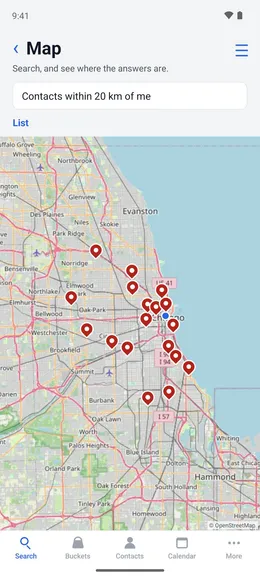
Share a business from Google Maps to Buckets, and it becomes a contact with its name and address filled in. Enter "contacts within 10 km of me" to see every contact whose address is within 10 km of where you are.
Save a business from Google Maps as a contactPremium
Google Maps → the place → Share → Buckets
- In Google Maps, open the place, tap Share and pick Buckets.
- The phone’s new-contact form opens with the name and address filled in.
- Check the details and tap Save.
- The contact appears on the map and in distance searches, with the address on its card.