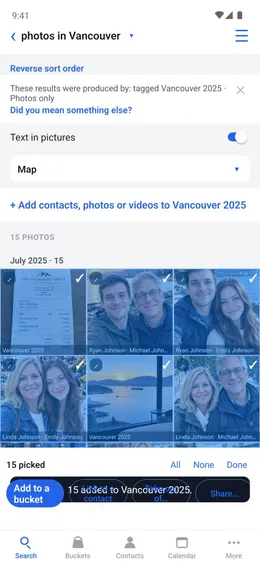
 Buckets
Select many
File, share, link or delete many objects at once.
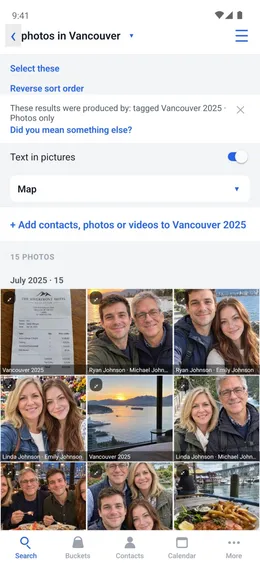
Select
Tap Select these on any list of results.
Home → Search
- Search what you want, such as “photos in Vancouver”.
- Tap Select these.
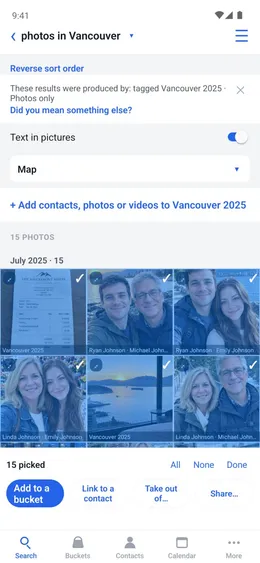
Choose
Tap the first photo, then hold the last one to select every photo between them. All selects every photo.
- Tap the photos, or All.
- Tap Add to a bucket.
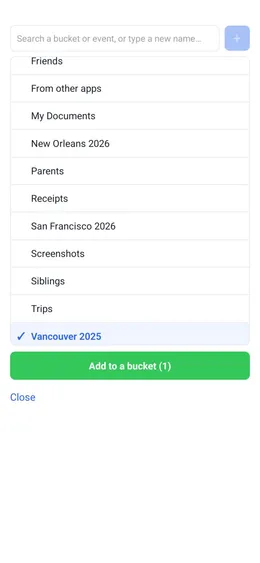
The bucket
Choose one or more buckets.
- Tap each bucket.
- Tap Add to a bucket.
Done
Buckets says how many were added, and where.