 Buckets
People in photosPremium
Every contact with a card picture is found in your photos. No manual tagging necessary.
Their photos
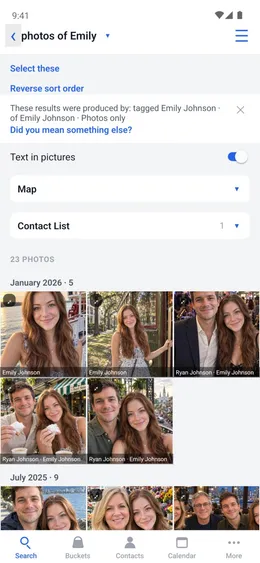
“photos of Emily” shows every photo she is in.
Menu ☰ → Contacts → the contact
- Make sure their card has a clear picture of their face. To use another photo, tap “Choose a picture”.
- Search “photos of Emily”.
Two people
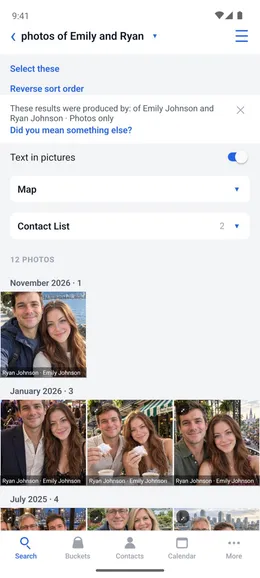
“photos of Emily and Ryan” shows only the photos with both of them.
Home → Search
- Enter both names with “and” between them.
Not sure
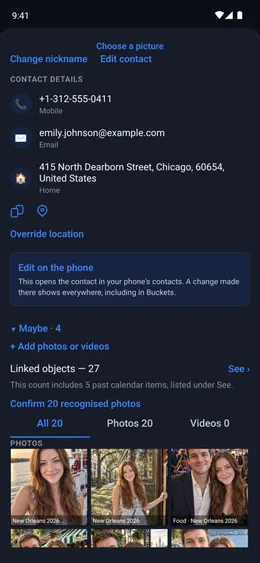
When Buckets isn't sure it is them, the photo waits on their card under Maybe. It is not in searches until you confirm it.
Menu ☰ → Contacts → the contact → Maybe
- Tap Confirm match or Reject.
Faces
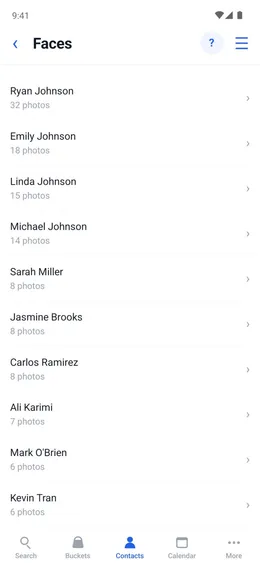
Faces Buckets can't name are listed together, so you can say who they are.
Menu ☰ → Utilities → Faces
- Open a face.
- Tap “Identify contacts” and choose who it is.